


DroidJoy Gamepad Joystick Lite MOD APK 2.3.1 (Premium Unlocked)
Advertisement
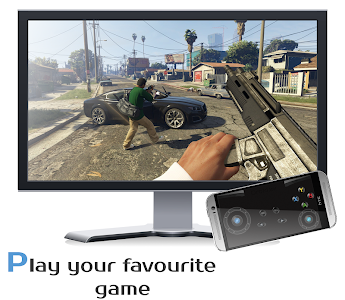
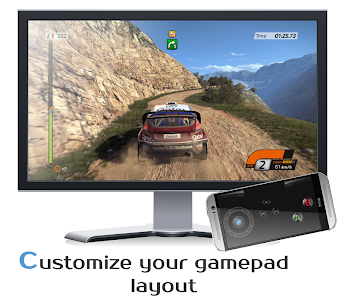
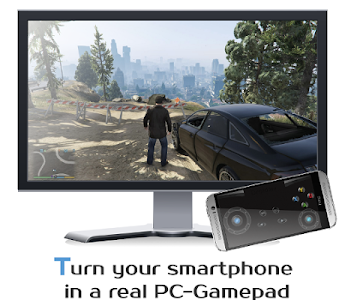

Buying extra controllers for your PC can be expensive – especially when you already have a powerful device in your pocket. What if your Android smartphone could double as a fully functional gamepad for Windows? That’s exactly what DroidJoy Gamepad Joystick Lite is designed to do.
Instead of investing in additional hardware, DroidJoy transforms your phone into a real, responsive PC controller using XInput and DInput emulation. Whether you’re playing racing games, shooters, or classic platformers, this app offers a flexible and cost-effective solution for gamers who want convenience without sacrificing performance.
Here’s why DroidJoy Gamepad Joystick Lite is worth downloading.
Real Gamepad Emulation – Not Just Touch Controls
Unlike simple keyboard-mapping apps, DroidJoy doesn’t simulate mouse or keyboard inputs. It emulates a real gamepad device on your Windows PC.
Thanks to XInput and DInput support, your computer recognizes your smartphone as if it were a physical controller – similar to an Xbox 360 gamepad. This ensures compatibility with a wide range of PC titles, from older classics to modern releases.
Popular franchises such as GTA, Call of Duty, Need for Speed, and many others can work seamlessly depending on your configuration.
Broad Compatibility with Windows PCs
DroidJoy’s server software supports Windows 7 and later versions, including Windows 8, 8.1, and Windows 10. Setup is straightforward:
- Download the free DroidJoy server to your PC.
- Install and launch the server.
- Connect your Android device via WiFi or Bluetooth.
- Search for the server inside the app and connect.
It’s important to ensure the server is running before launching your game so the virtual controller is detected properly.
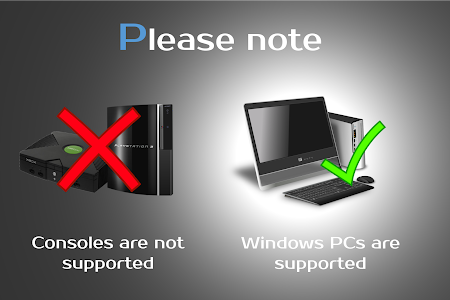
Keep in mind: DroidJoy is designed strictly for Windows PCs and does not work on consoles.
WiFi and Bluetooth Connectivity Options
Flexibility matters. DroidJoy gives you two convenient connection methods:
- WiFi – Ideal for stable, low-latency gameplay within the same network.
- Bluetooth – Great for direct pairing without relying on local network configurations.
Both options provide responsive control when properly configured. For Bluetooth connections, simply make sure your PC is discoverable before pairing.
This wireless freedom eliminates clutter and keeps your gaming space clean.
Multiplayer Support – Up to 4 Devices
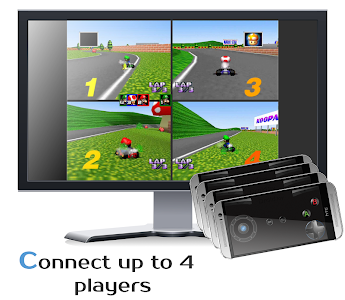
One of DroidJoy’s most impressive features is its ability to support up to four connected smartphones simultaneously.
The server can handle multiple clients, meaning you and your friends can each use your phones as separate controllers for local multiplayer games. It’s perfect for party nights, co-op adventures, or nostalgic split-screen sessions.
Instead of buying multiple controllers, just connect multiple Android devices and start playing.
Customizable Controls & Sensor Support
DroidJoy Gamepad Joystick Lite offers a range of control features, even in the Lite version:
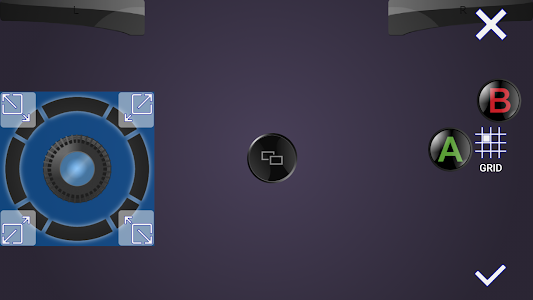
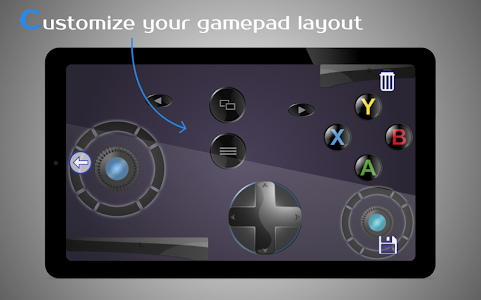
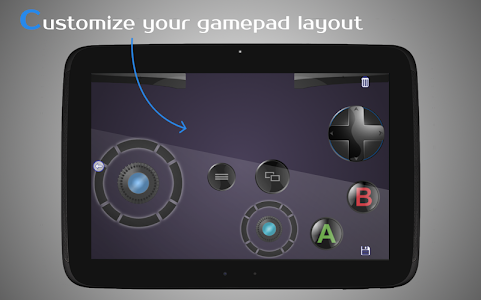
- Up to 14 buttons (Lite version limited)
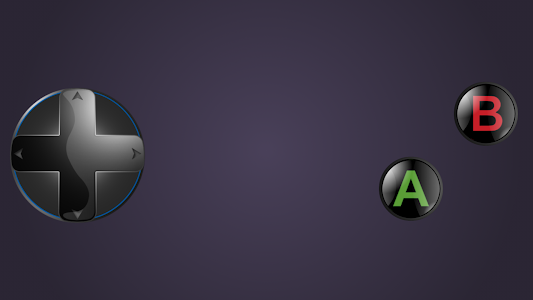
- D-pad support
- Left and right joysticks
- Volume button integration
- G-Sensor (gyroscope) support
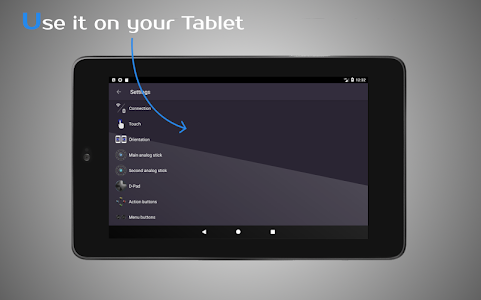
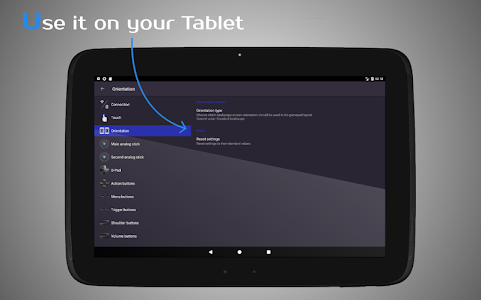
You can customize the button layout to match your play style. Whether you prefer racing games that benefit from tilt steering or action games requiring quick button access, DroidJoy allows you to tailor the experience.
Advanced users can configure the server to emulate XInput devices for games that only support Xbox-style controllers.
Lightweight, Practical, and Cost-Effective
For gamers who want a practical solution without extra expenses, DroidJoy Lite delivers excellent value. There’s no need for additional USB controllers, cables, or adapters.
The app is compatible with Android 5.0 (Lollipop) and above, making it accessible to most modern smartphones. Installation is simple, and even if Windows Firewall shows a warning during setup, the software has been tested across multiple Windows versions.
While some newer games may only recognize native Xbox controllers, configuring the server for XInput emulation resolves most compatibility concerns.
For casual gamers, retro enthusiasts, or anyone looking for a backup controller solution, DroidJoy Lite is both smart and efficient.
Why DroidJoy Gamepad Joystick Lite Stands Out
Many remote-control apps only simulate keyboard inputs. DroidJoy goes further by emulating a true gamepad device, which significantly improves compatibility and performance.
Its combination of:
- Real controller emulation
- Multiplayer capability
- Wireless connectivity
- Customizable layout
- Gyroscope integration
makes it one of the most versatile Android-to-PC controller apps available.
Gaming should be flexible, affordable, and fun. With DroidJoy Gamepad Joystick Lite, your smartphone becomes more than a communication device – it becomes part of your gaming setup. Download DroidJoy Gamepad Joystick Lite today and turn your Android phone into a powerful virtual controller.
Advertisement
Additional Information
- Version 2.3.1
- Requires Android 5.0+
- Update February 23, 2026
- Developed by Streaming Dev
- Google Play ID com.grill.droidjoy_demo
Advertisement


