


TV Cast Pro for Samsung TV MOD APK 2.27 (Paid for free)
Advertisement
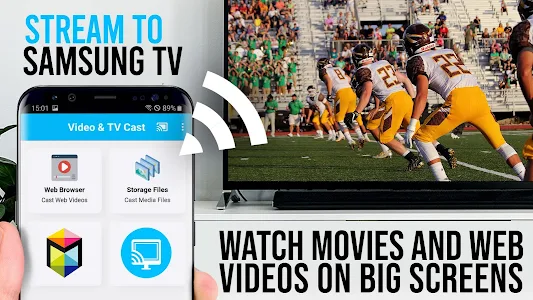
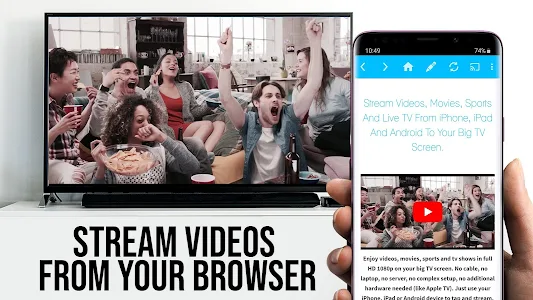


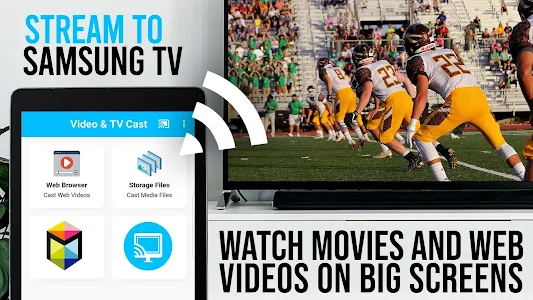
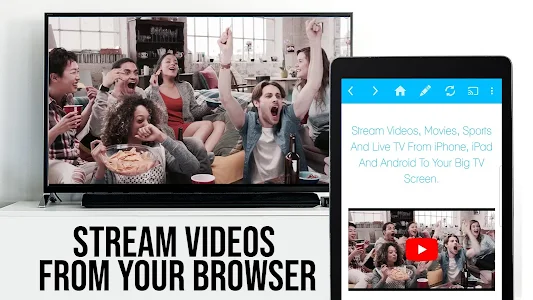



Watching videos on a phone feels limiting, especially when you already own a large Samsung Smart TV. TV Cast Pro for Samsung TV changes the way you enjoy online content by letting you stream web videos, movies, livestreams, and TV shows directly to your TV without cables, adapters, or extra streaming boxes.
Designed for simplicity and performance, this Pro version unlocks all premium features, delivering a smooth, ad-free experience on your biggest screen.
Stream Web Videos Directly to Samsung Smart TV
TV Cast Pro allows you to browse the web and cast embedded videos straight to your Samsung Smart TV or Blu-ray Player. Whether it’s MP4 files, m3u8 streams, HLS livestreams, or HTTPS videos, the app handles them seamlessly in Full HD quality.
You simply visit a website inside the app, tap on the detected video, and it instantly plays on your TV. No screen mirroring, no lag – just clean, direct video streaming.
No Extra Hardware Required
One of the biggest advantages of TV Cast Pro is that no streaming box is needed. You don’t have to buy Chromecast, Fire Stick, or additional adapters.
The app works with Samsung Smart TV models from 2010 (C-Series) to 2017 (M, MU, Q-Series), as well as Samsung Blu-ray Players using Smart Hub or VEWD. A lightweight companion app installed on your TV enables smooth communication between your Android device and the TV.
Pro Features That Upgrade the Experience
The Pro version removes distractions and adds powerful tools designed for heavy users. You get an ad-free interface, plus an integrated ad blocker that reduces pop-ups and intrusive banners on most websites.
The Remote Playbar allows advanced video control, including play, pause, forward, rewind, and scrubbing – all while you continue browsing. These features make TV Cast Pro ideal for long viewing sessions and livestreams.
Smart Browsing with Desktop Mode and Bookmarks
TV Cast Pro includes a built-in browser with useful customization options. Desktop Mode lets websites load their desktop versions instead of mobile layouts, improving compatibility with certain video players.
You can also save and manage bookmarks, set a custom homepage, and quickly return to your favorite streaming sites. Everything is designed to reduce friction and keep your focus on content, not setup.
Stable Performance with Strong Security
Performance depends heavily on Wi-Fi quality, and TV Cast Pro is optimized for stable streaming – especially on 5GHz Wi-Fi networks. When connectivity issues occur, the app provides clear troubleshooting steps to restore the connection quickly.
From a privacy standpoint, TV Cast Pro stands out by requesting only minimal Android permissions. It does not access personal data, contacts, location, or device IDs, making it a safer option compared to many similar apps.
Ideal for Everyday Entertainment on a Bigger Screen
TV Cast Pro is perfect for users who frequently watch videos from websites, livestream platforms, or direct video links that aren’t always supported by native TV apps. While DRM-protected services like Netflix or Amazon Prime aren’t supported, the app excels at what it’s designed for – web-based video streaming.
It is a practical solution for turning your Samsung TV into a flexible entertainment hub without complicated configurations.
Simple, Powerful, and Made for Samsung TVs
TV Cast Pro for Samsung TV delivers exactly what modern viewers want: freedom from cables, smooth web video streaming, and full control on a large screen. With unlocked premium features, strong device compatibility, and a user-friendly design, it’s an excellent upgrade for Samsung Smart TV owners.
Download TV Cast Pro for Samsung TV today and enjoy online videos the way they were meant to be watched – bigger, clearer, and hassle-free.
Advertisement
Additional Information
- Version 2.27
- Update February 20, 2026
- Developed by 2kit consulting
- Google Play ID de.twokit.video.tv.cast.browser.samsung.pro
Advertisement


